
Sending E-Invoice to individual buyer with NRIC only and getting ERR237 and ERR406
- ERR237 Buyer's details cannot be general TIN (010) for issuance of individual e-Invoice
- ERR406 Buyer TIN is invalid. Kindly use the Search TIN function to get the correct TIN
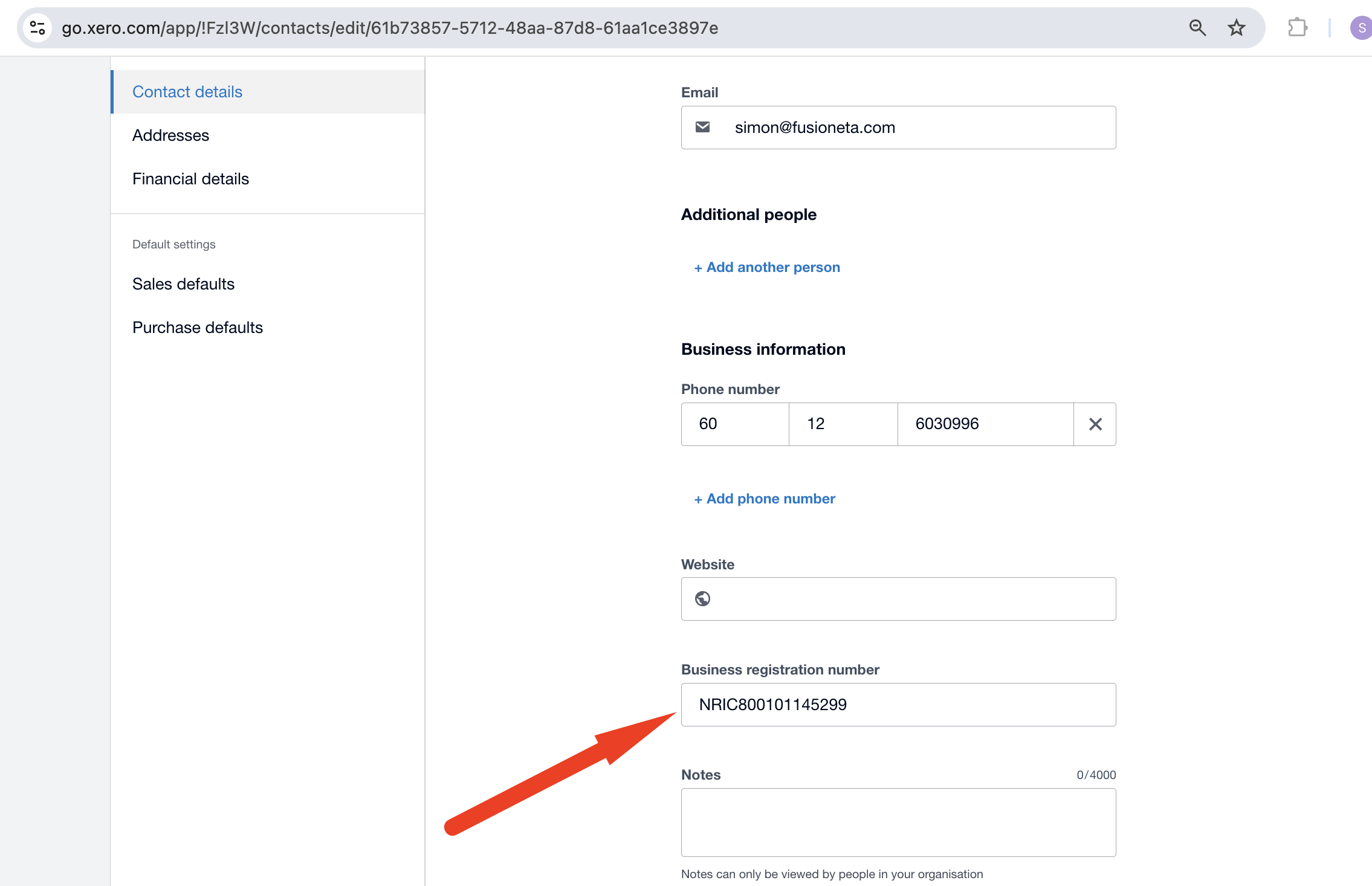
1. In Xero Contact, make sure you fill up Business Registration Number with the individual NRIC number. Please prefix it with NRIC followed by the IC number. Eg. NRIC800101145299.

2. It is mandatory to fill up TIN with the buyer TIN number. You can get their TIN number from MyTax. If you leave Tax ID Number as blank, you will get ERR237. If you fill up TIN incorrectly, you will get ERR406. Make sure you input the IG character too.
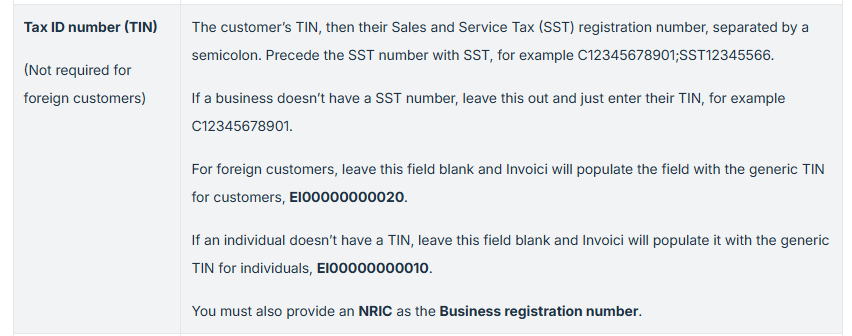
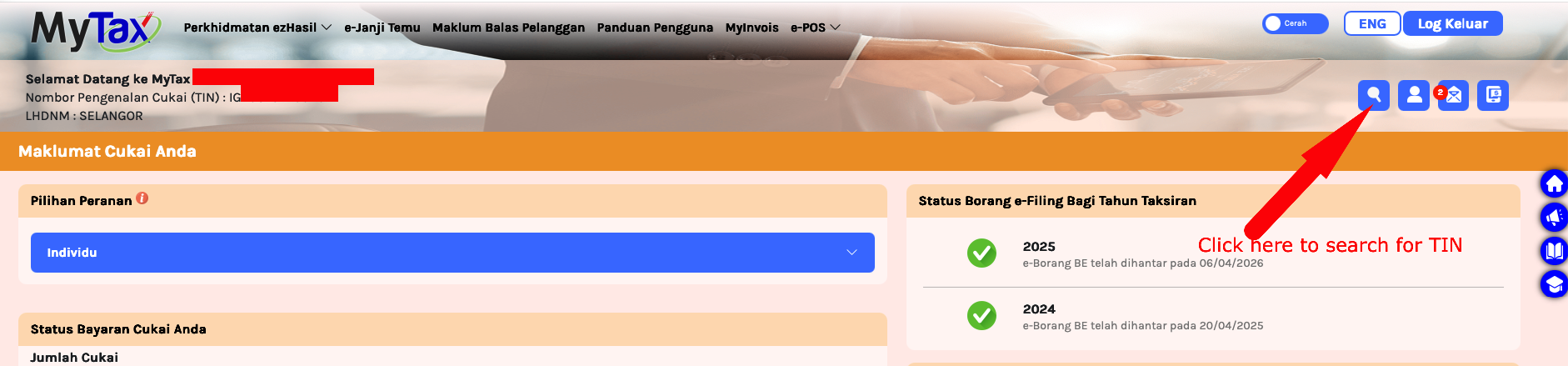
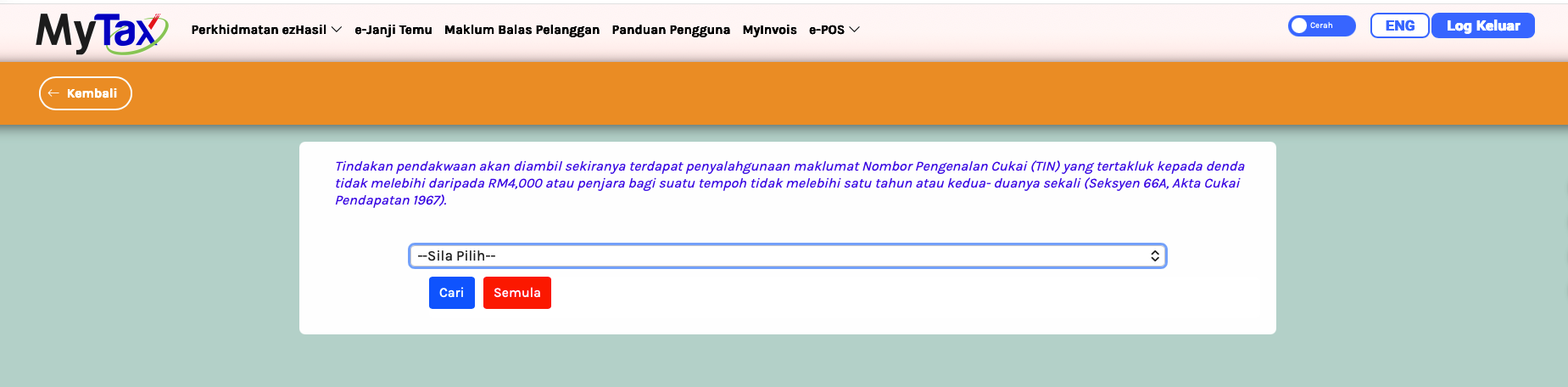
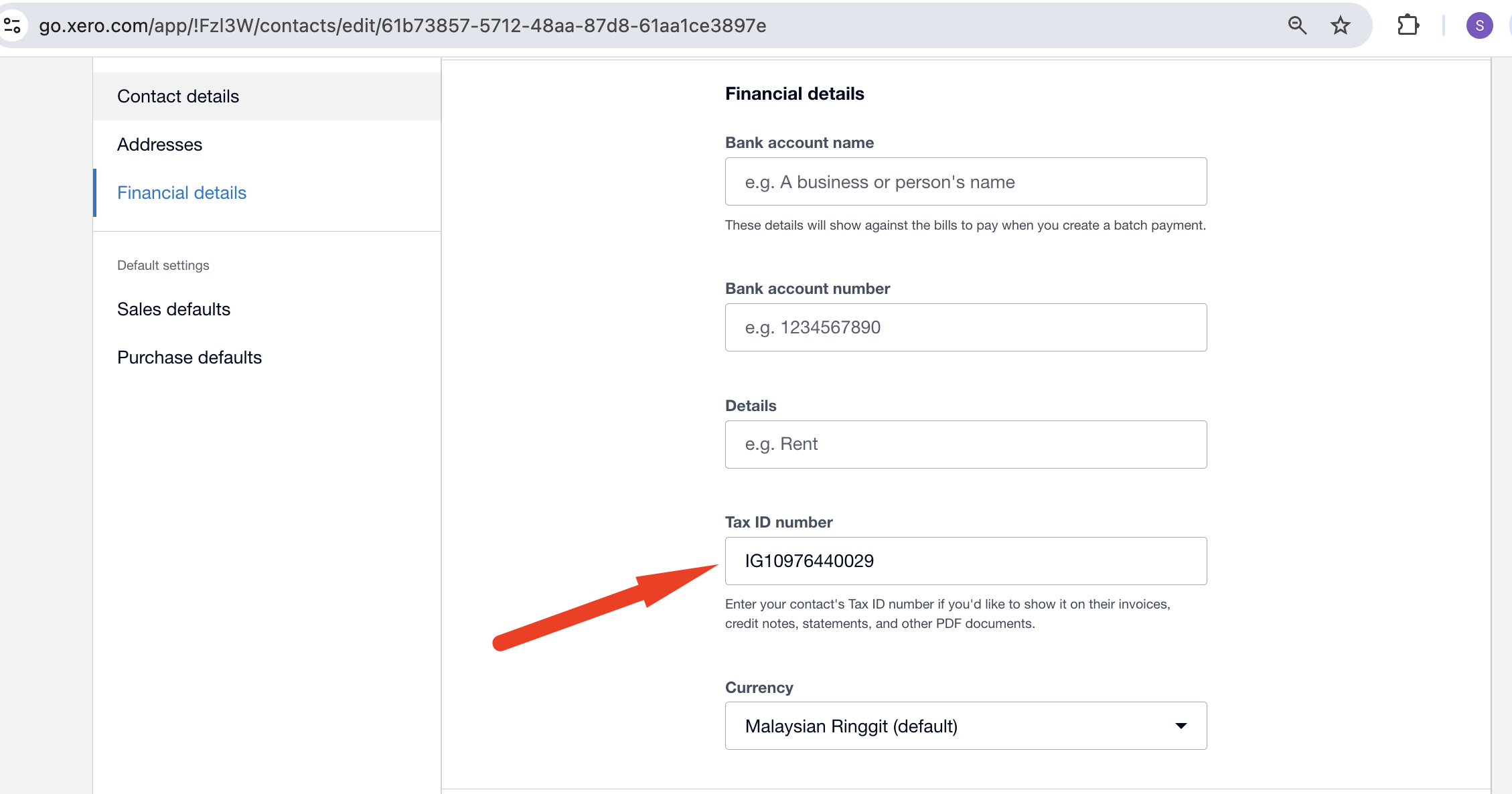
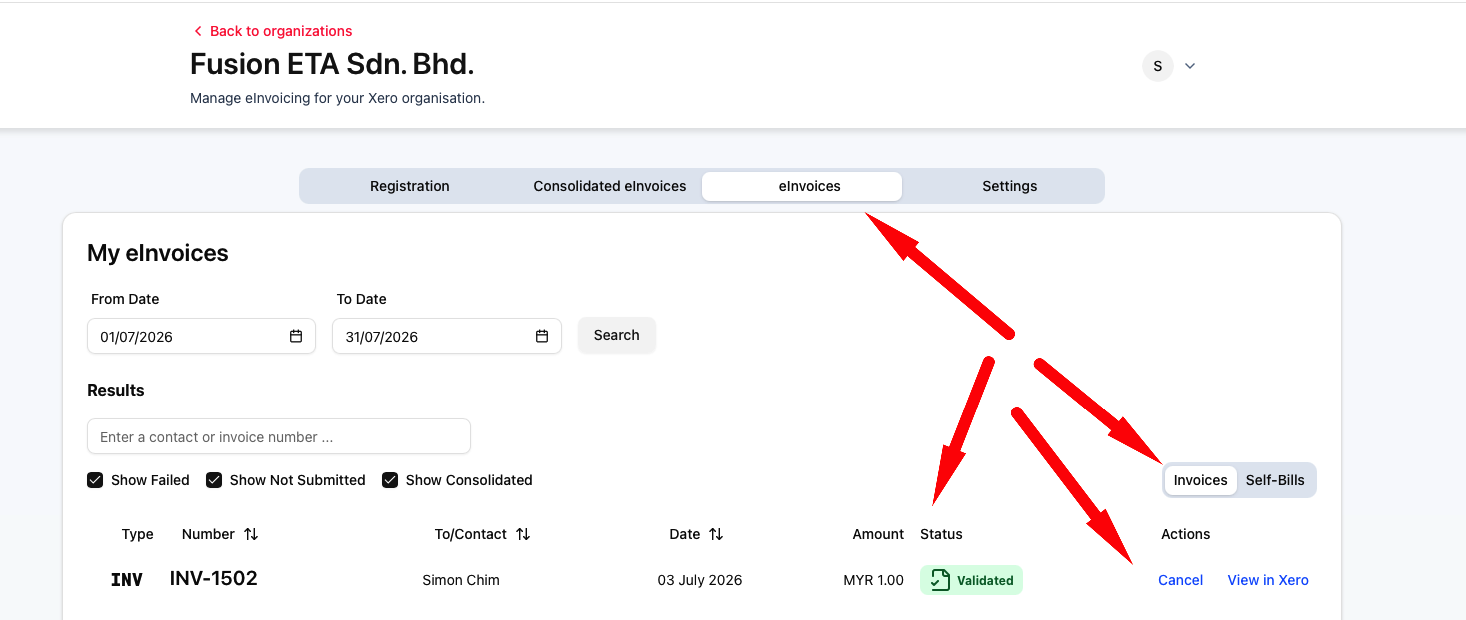
3. Once you got the contact details correct, go to Invoici and submit the invoice to MyInvois.
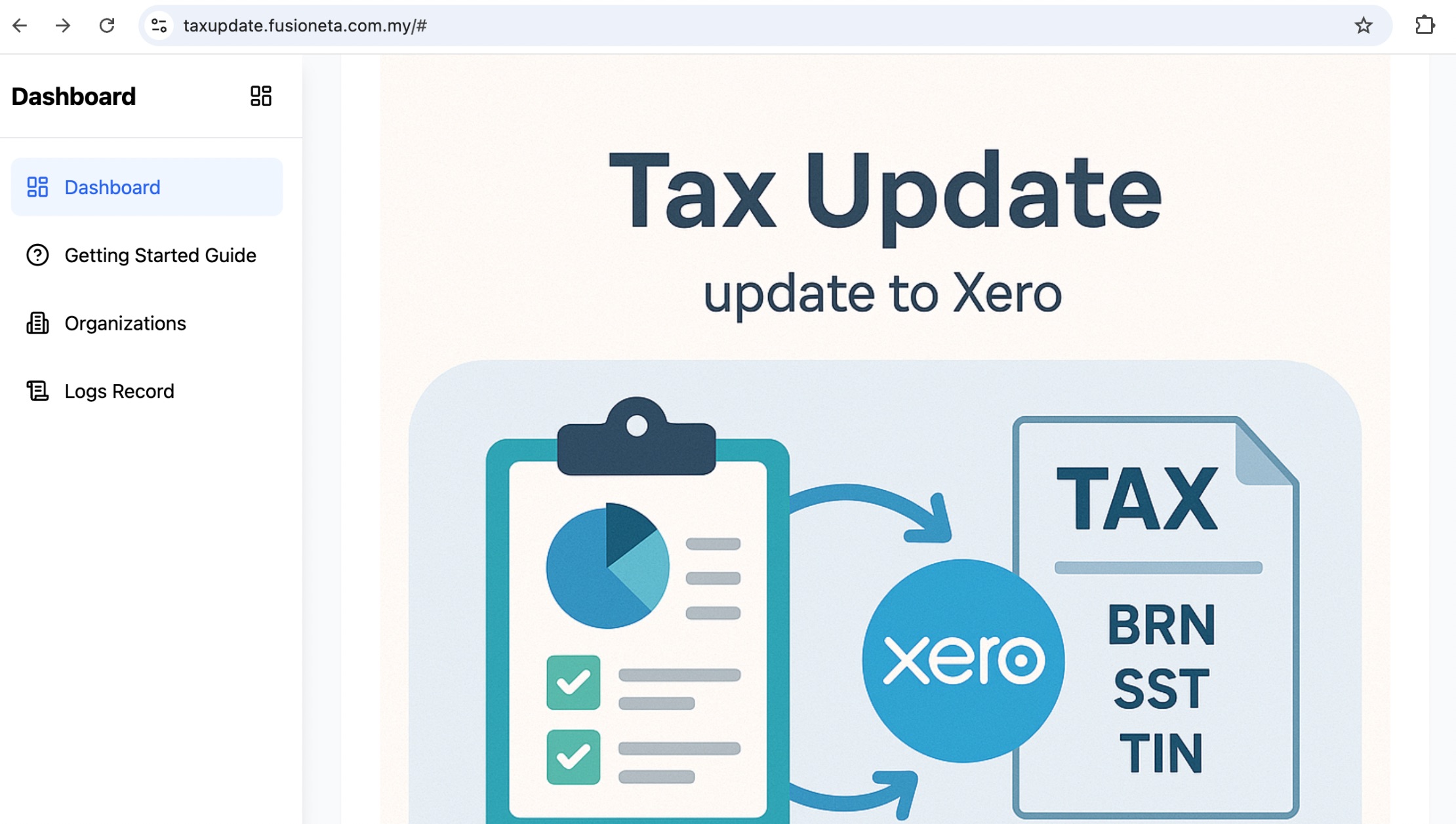
4. For seamless entry of your customer BRN and TIN, consider FusionETA TaxUpdate app. Let the customer input their BRN, system will auto lookup TIN and automatically update into Xero contact. Skip the google forms, google sheet to track. For more advance capabilities, reach out to us.
Read more at https://fusioneta.com/xero/e-invoice_registration/
 .
.